Address
304 North Cardinal St.
Dorchester Center, MA 02124
Work Hours
Monday to Friday: 7AM - 7PM
Weekend: 10AM - 5PM
Address
304 North Cardinal St.
Dorchester Center, MA 02124
Work Hours
Monday to Friday: 7AM - 7PM
Weekend: 10AM - 5PM


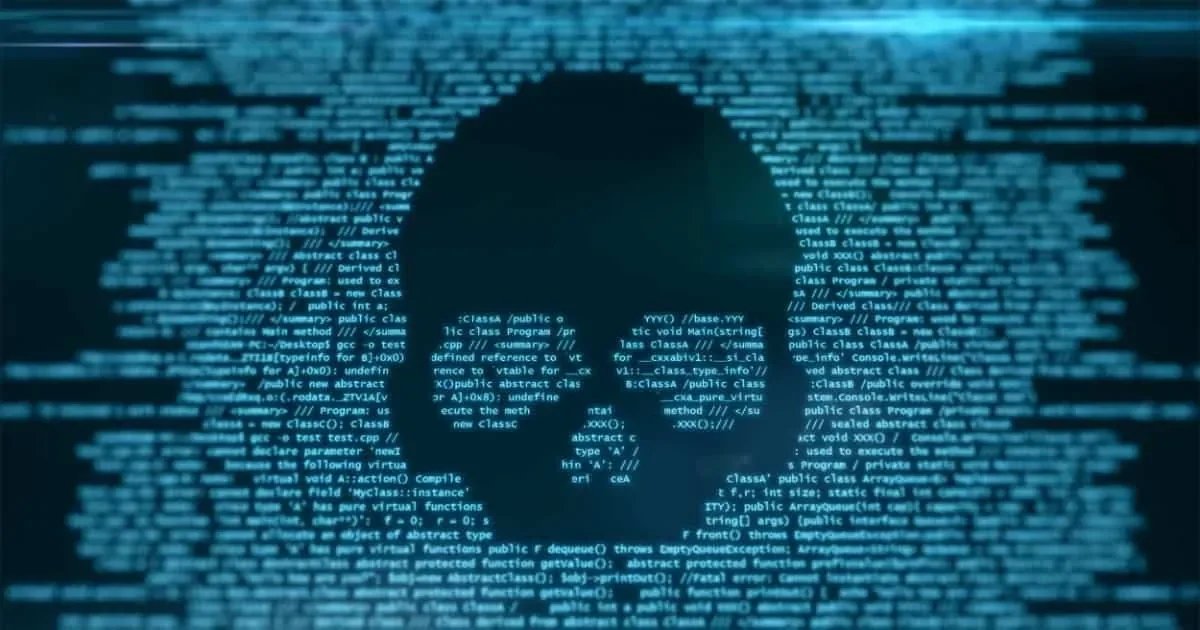
Okay, serious security news here. A brand-new kind of Android ransomware, which security people are calling DroidLock, has suddenly popped up and it’s spreading fast. This is seriously dangerous for anyone who downloads apps from sketchy, unofficial websites. Security company Zimperium found it, and they told BleepingComputer about it on December 10th. The malware mostly targets Spanish-speaking users, using phishing sites to trick people. The biggest trick? It uses a fake “system update” screen—it’s very similar to other scams we’ve talked about before, like those fake HyperOS fixes.
The way DroidLock works is actually pretty sneaky. It starts with a multi-stage dropper, which looks just like a normal app. When the user agrees to install this fake update, the actual bad software is dropped quietly onto the device. This layering makes it much easier to sneak past someone’s notice, especially if their phone security settings are a bit relaxed.
As soon as it installs, DroidLock instantly requests two really critical permissions: Device Manager and Accessibility Services. Getting these two is the key. They let the malware run something like 15 special, malicious commands.
The things DroidLock can do are pretty intense. It can mute your device audio so you don’t hear notifications. It can turn on your camera remotely. It can uninstall certain apps. And it can steal all your SMS messages and call logs. Worst of all, it runs a transparent screen overlay to secretly record your screen unlock pattern or PIN, sending that straight to the criminal.
Once they have these permissions, DroidLock opens a VNC-based remote access channel. This basically lets the attacker control your phone like it’s right in their hands. The transparent overlay is the ultimate trick—it steals your lock credentials and sends them off.
DroidLock doesn’t work like old-school ransomware where they encrypt all your files. No, DroidLock is about screen-locking extortion. They use a persistent WebView overlay that covers the entire screen, blocking all interaction. It also changes device security settings like your PIN or biometric lock. This completely locks you out.
The criminals then show you a big ransom note. They tell you to contact them via a ProtonMail address and issue a scary threat: all your files will be deleted within 24 hours unless you pay up. Since they can change your PIN and even remotely wipe the device, that threat is very real. While they don’t encrypt files, the effect is the same—they use pure psychological pressure to make you pay.
The good news is that Zimperium, as a member of the Google App Defense Alliance, has already shared the DroidLock signature with Google. That means devices with Google Play Protect enabled should automatically detect and block this threat now.
For users, especially those with Xiaomi phones running HyperOS, there are extra steps that can help.
DroidLock is a serious sign of a new, aggressive wave of Android malware. Because of its multi-stage trickery, strong remote-control features, and that aggressive 24-hour threat, everyone needs to be very careful about where they get their apps and what permissions they approve.